


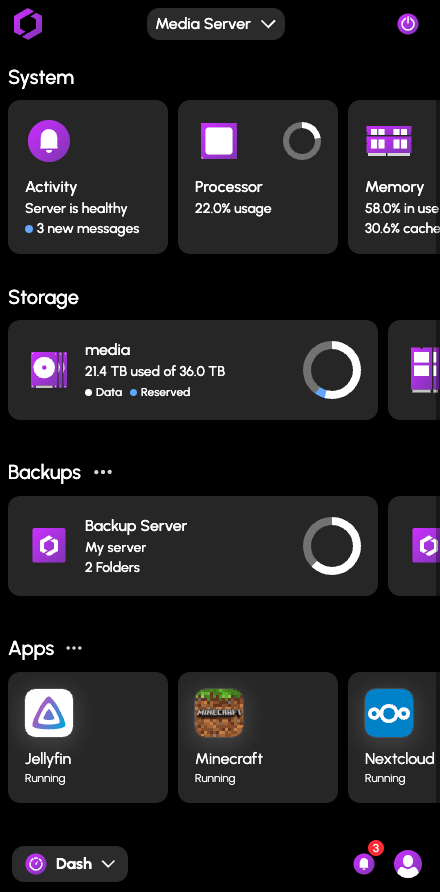

Everything you love,on a server you own.
This is HexOS: your data, your apps, on your terms. As easy to use as a phone. No IT experience required.
The cloud got prescribed for everything. This is your way out.
- Photos
- Documents
- Videos
- Passwords
Make it yours
Your digital life has drifted onto Big Tech's servers. Bring it back under your roof, where you decide who sees it, what it costs, and how long it stays.
- One-tap updates
- Scheduled, secure backups
- Periodic health checks
- Support from actual humans
Keep it simple
You don't need to be an IT admin. Sensible defaults make it feel more like a phone than a server, and real people are there when you need help.
- iCloud Photos
 PhotoStructurePhotos
- ChatGPT
 OllamaAI Assistant
- LastPass
 VaultwardenPasswords
- Google Home
 Home AssistantSmart home
Own your apps
Photos, media, documents, and more. Pick an app, install it in a few clicks, and it's ready the first time you open it. Most cost nothing to run.
We could keep talking.Or you could try it right now.
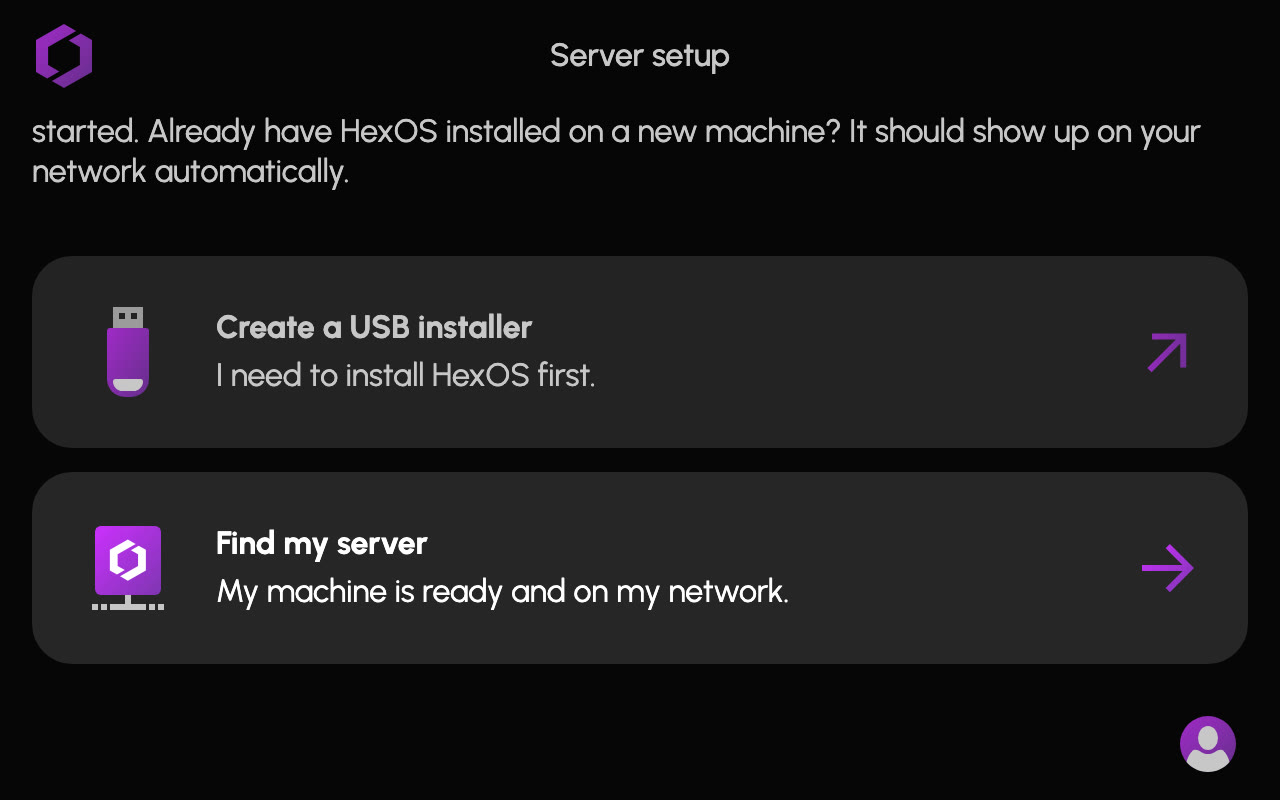
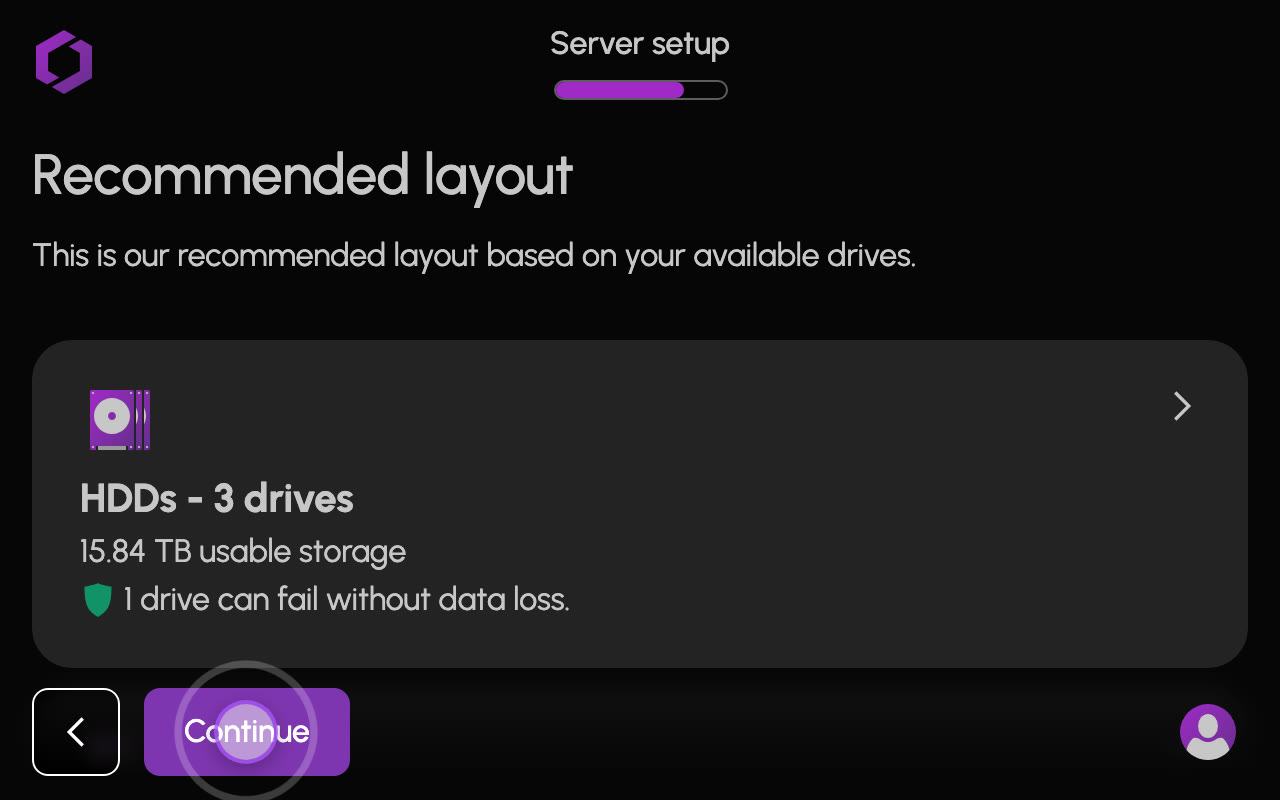
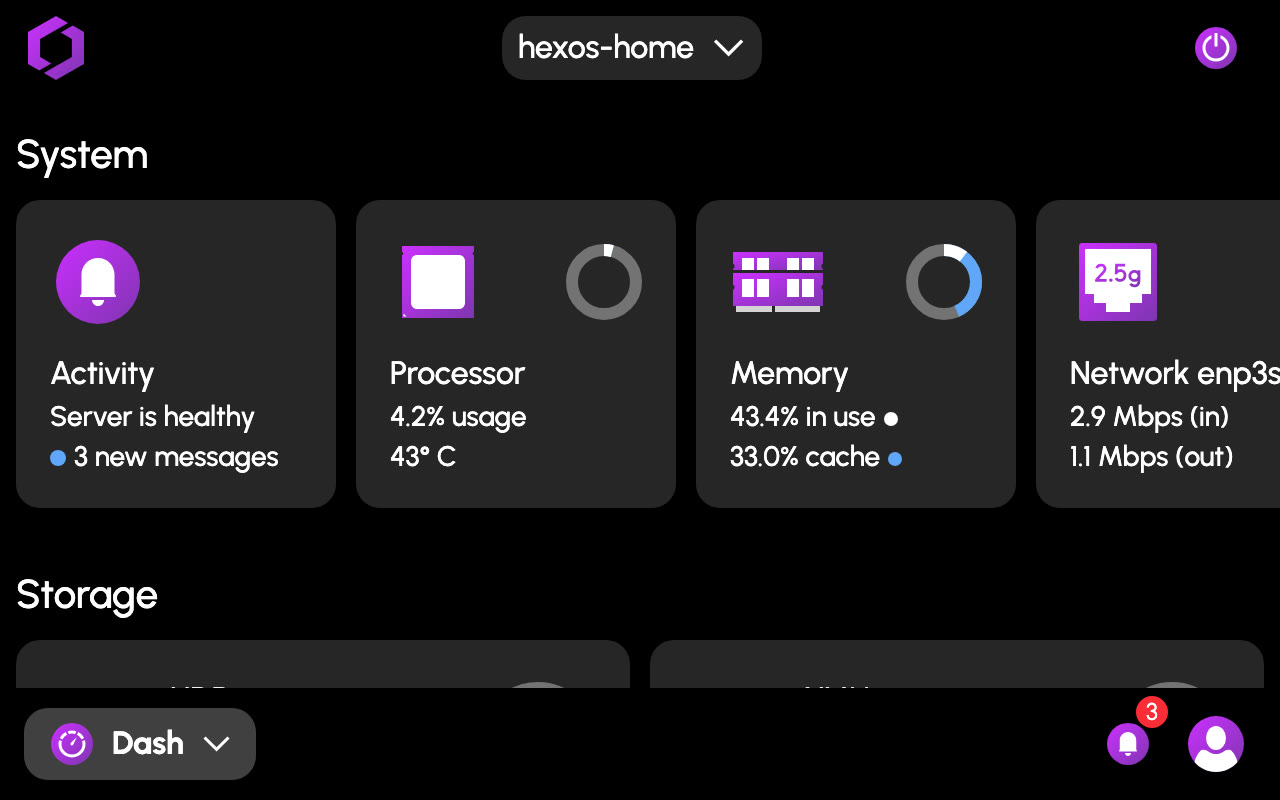
Step 1: Set up HexOS
Installing HexOS means answering a few simple questions, worded in language a user would understand. From those answers, the wizard sets up your drives the right way.
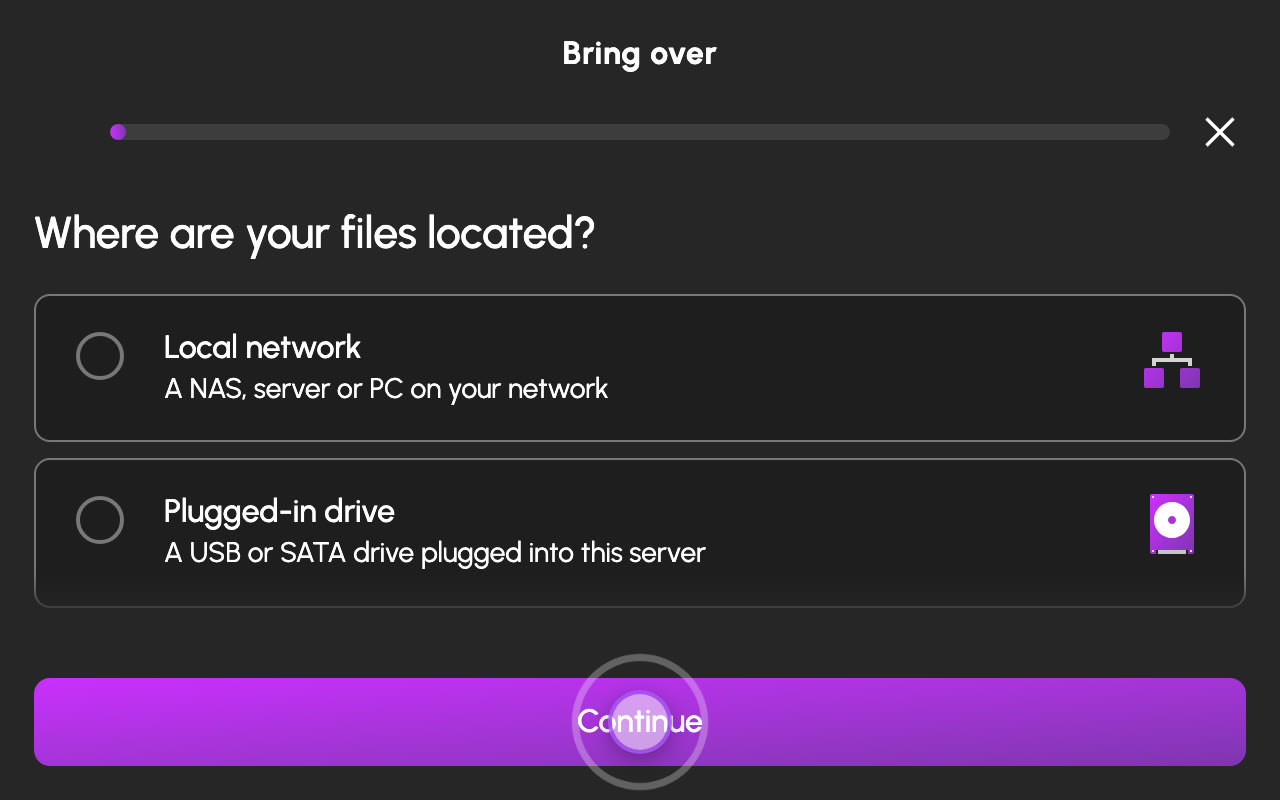
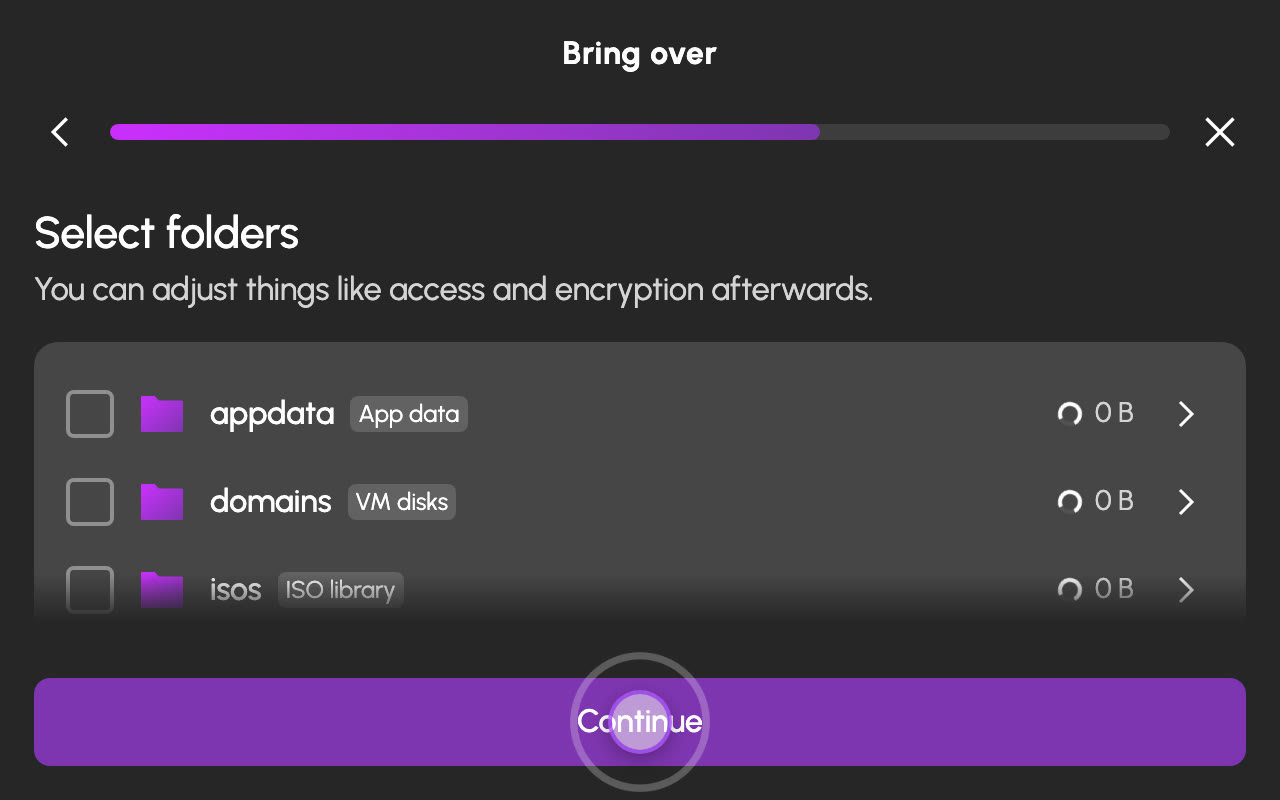
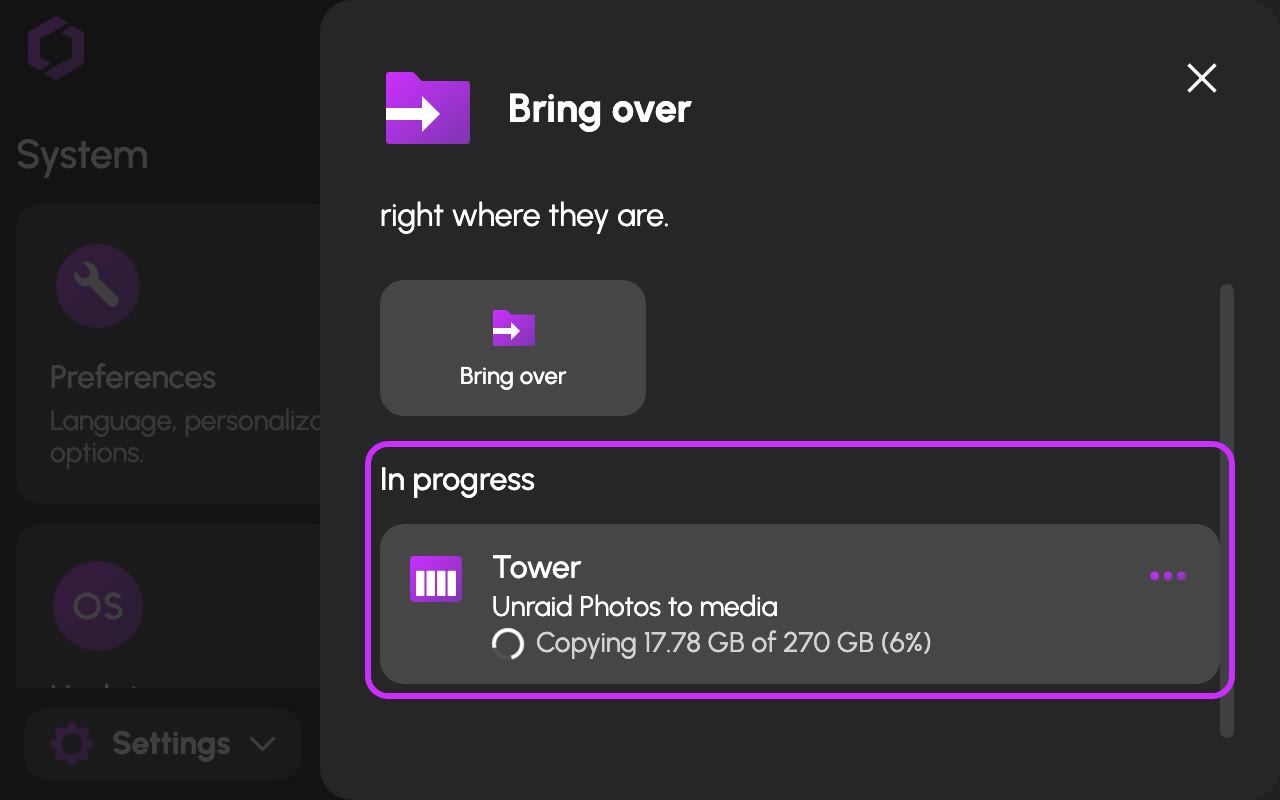
Step 2: Bring over your data
Pull your files in from the cloud, another NAS, or external drives. Pick the source, choose what to bring, and HexOS does the copying.
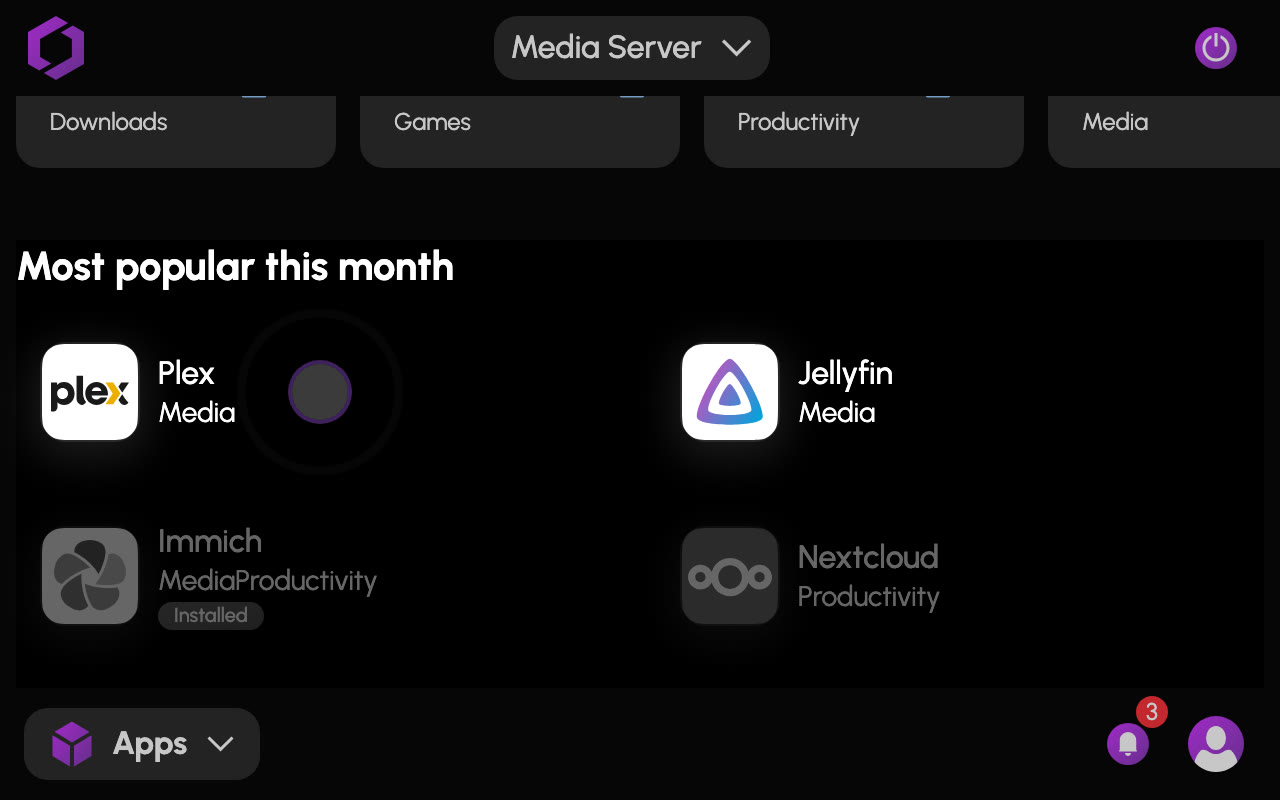
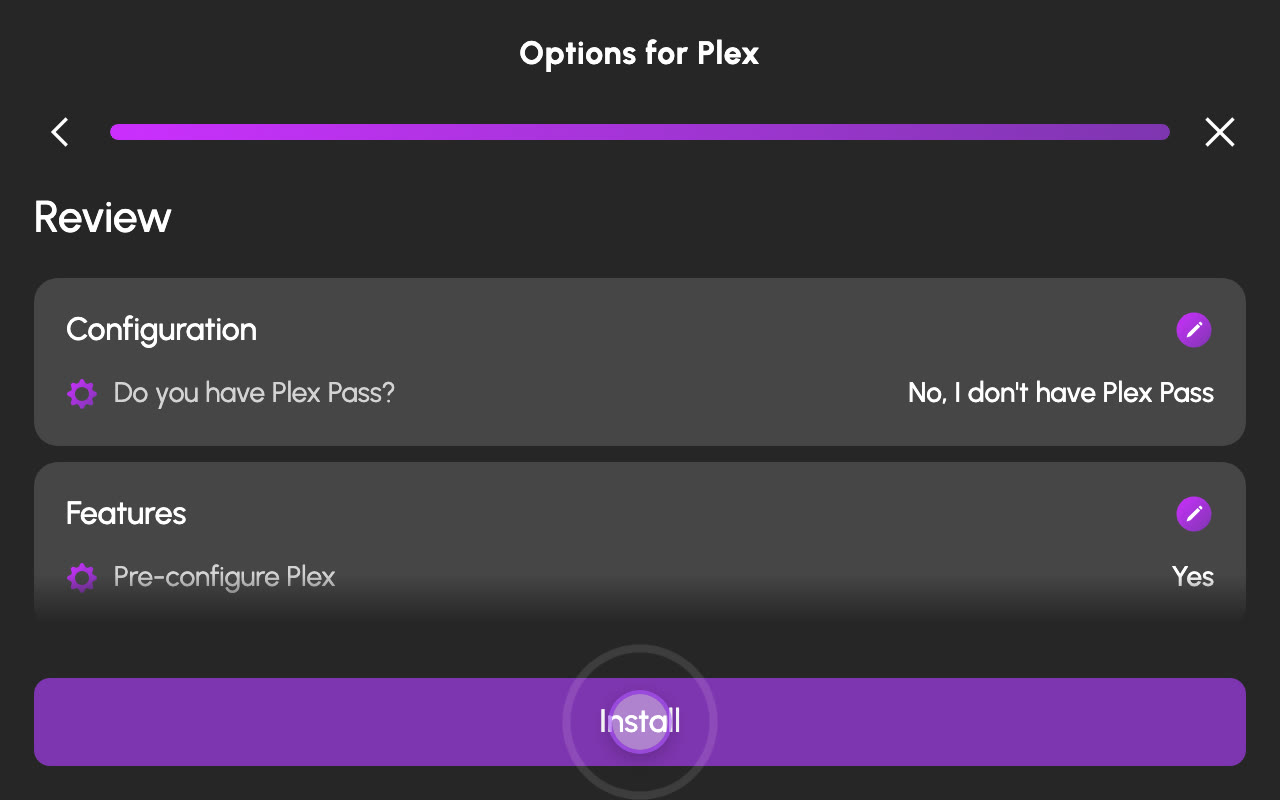
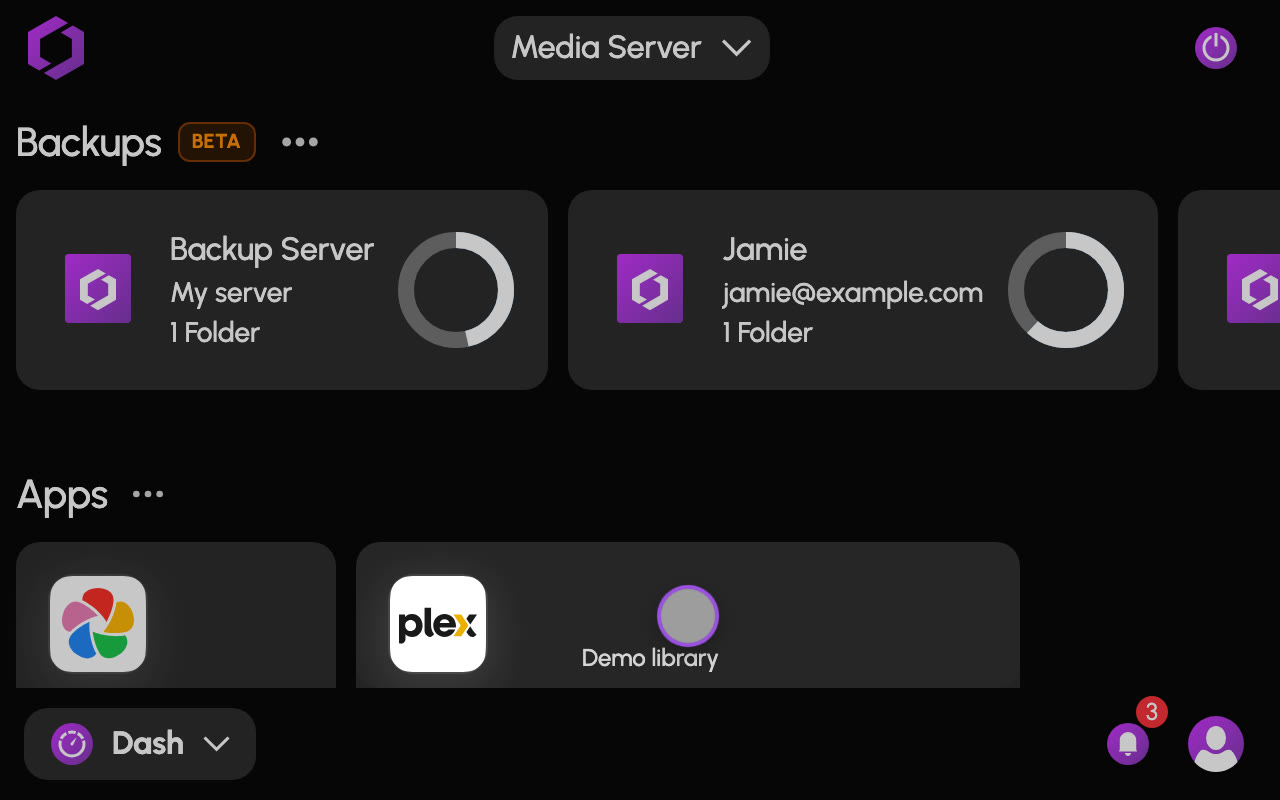
Step 3: Pick some apps
Photos, documents, media, and more. Choose an app, install it in a few clicks, and it's ready as soon as it's done. After that, it's time to cancel your subscriptions.
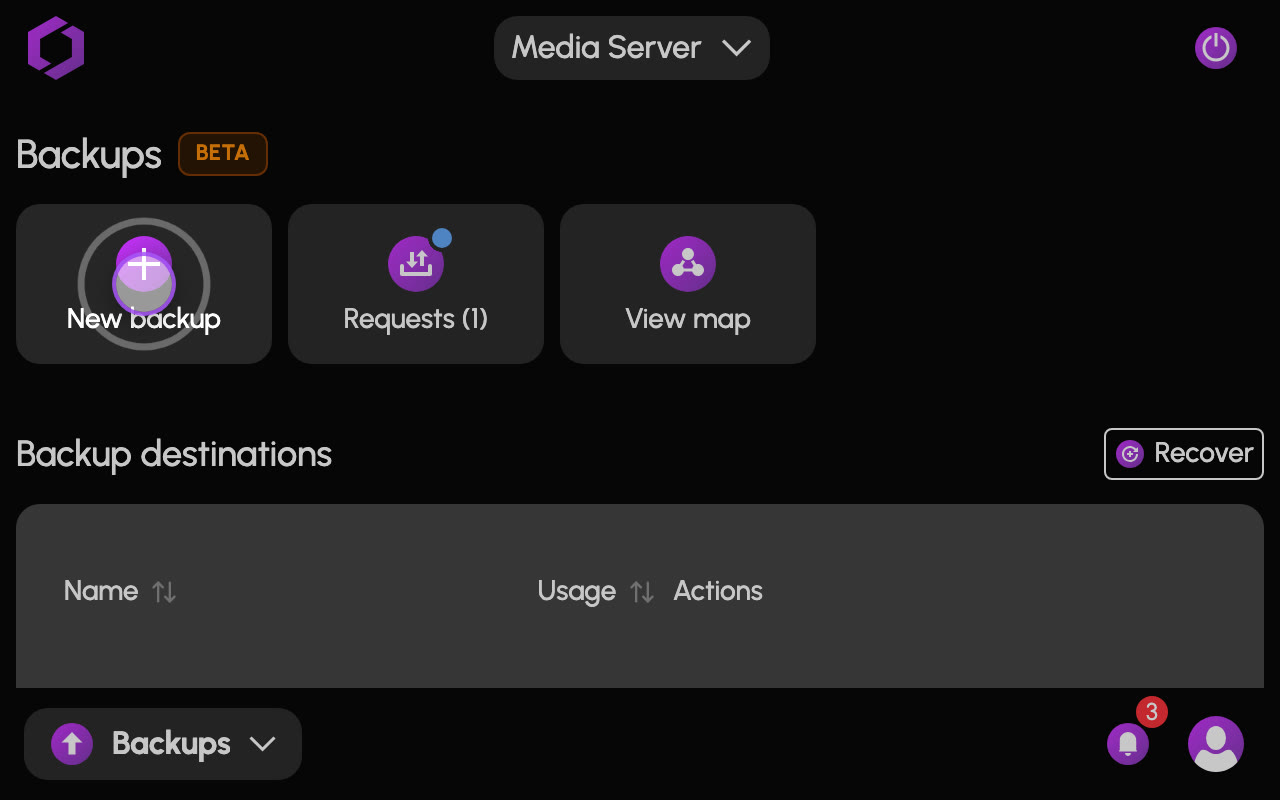
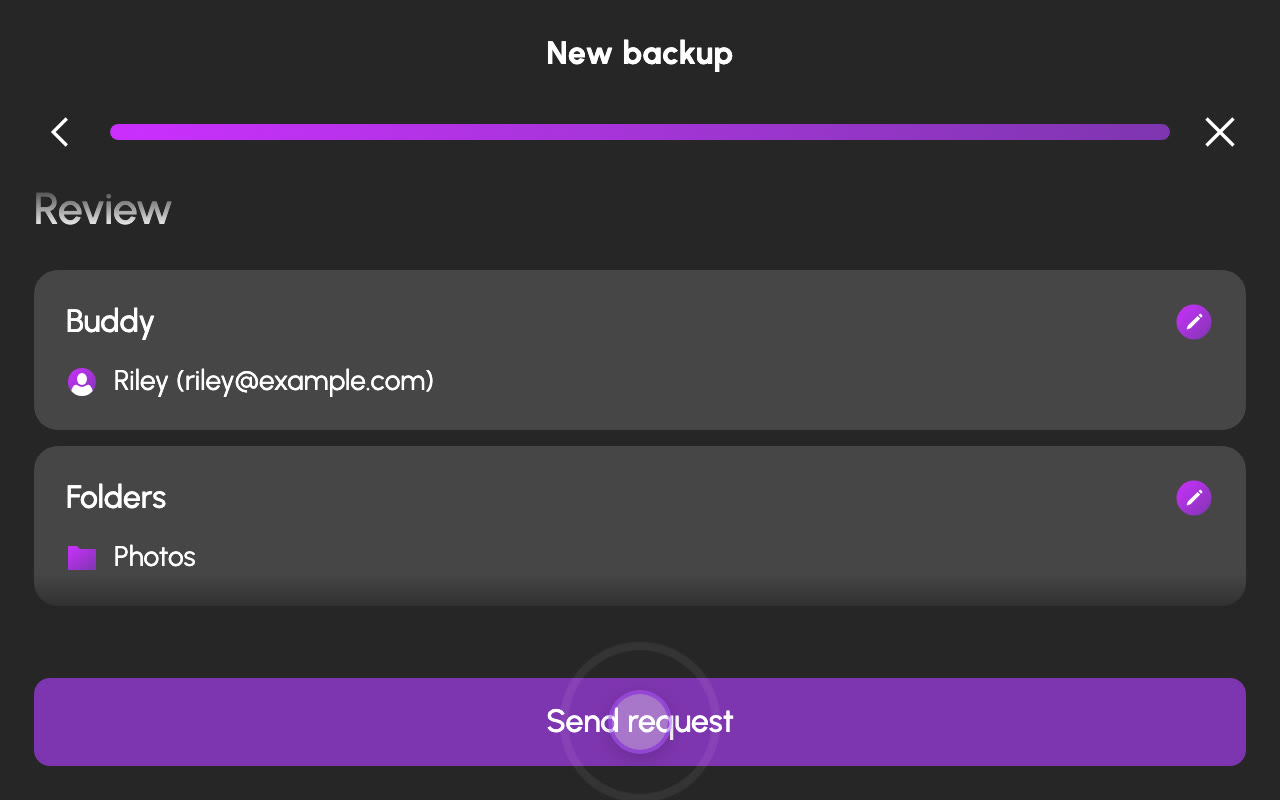
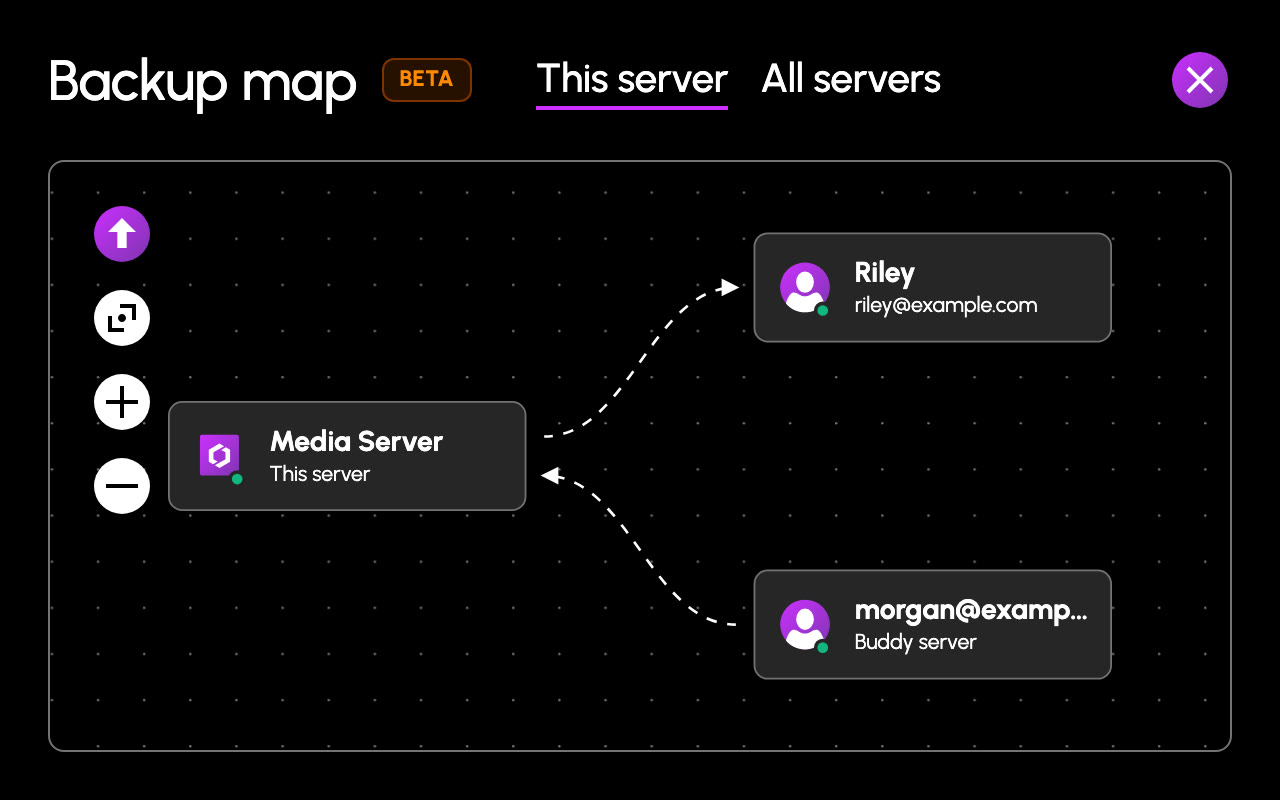
Step 4: Back up to a buddy
Back up to a friend's HexOS server, encrypted so only you can read it. They host it. You own it. (Or back up to a second server of your own.)
And we're just getting started.
Explore everything HexOS can do- StorageHexOS maximizes both speed and resiliency.Learn more about Storage
- FoldersKeep your digital life organized and secure.Learn more about Folders
- AppsTap install and you're done. No assembly required.Learn more about Apps
- Virtual MachinesOne-tap installs for Windows, Linux, and more.Learn more about Virtual Machines
- BackupsBack up to a friend's server without giving them the keys.Learn more about Backups
- HealthCatch problems early, with the info you need to fix them.Learn more about Health
Storage is job one.We built on the best.
Everything a home server does rests on the data underneath it. HexOS is built on TrueNAS, the world's most deployed storage platform, trusted by countless enterprise organizations with the data they cannot lose.
“Our collaboration combines TrueNAS’s enterprise reliability with HexOS’s user-friendly interface, creating a powerful solution for both content creators and everyday users.”
- NASA
- Disney
- Apple
- Sony
- Boeing
- Intel
- NVIDIA
- Microsoft
- Harvard
- MIT
- U.S. Army
- and dozens more

- July 2024
Partnership. HexOS becomes the first platform built on TrueNAS.
- May 2025
AnyRAID phase 1 sponsored. HexOS funds mixed-size mirrors for OpenZFS.
- Sept 2025
AnyRAID phase 2 sponsored. HexOS funds RAIDZ, contraction and rebalancing.
- Next
TrueNAS Connect integration. Starting with the web installer, so a new server sets up from your browser, no keyboard or monitor needed.

Recent releases
Shipping faster than our translators can say "new feature" in 26 languages. Help them out
- Local AI and app collections, more folders for Plex VMs, live GPU usage, and moreNov 6, 2026
- Restore points, Recently deleted folders, Jellyfin hardware transcoding, and moreNov 3, 2026
- Network UPS setup, a Valheim server, Mac drives in Bring over, and moreOct 30, 2026
- Bring over for everyone, UPS monitoring, nine new apps, and moreOct 28, 2026
- Rename your server, a tabbed app pane, live backup speeds, and moreOct 16, 2026
- Smarter Custom VMs, Safer Graphics Card Sharing & MoreOct 13, 2026
- Open beta for Buddy Backups and Virtual Machines, a smarter server setup, and much moreOct 9, 2026
- Pool repair tools, Repair access for folders, and a date format settingOct 6, 2026
Every plan is all of HexOS. Pick one that fits your server.
Still not sure? Watch how fast we improve.
Get the release notes in your inbox when something new ships. Join the Discord to meet the people who use HexOS every day.