

Bring your own hardware.We'll take it from there.
Three ways to get there.
No hardware lock-in. Pick the solution that matches your budget and how hands-on you like to be. HexOS works the same regardless of which path you choose.
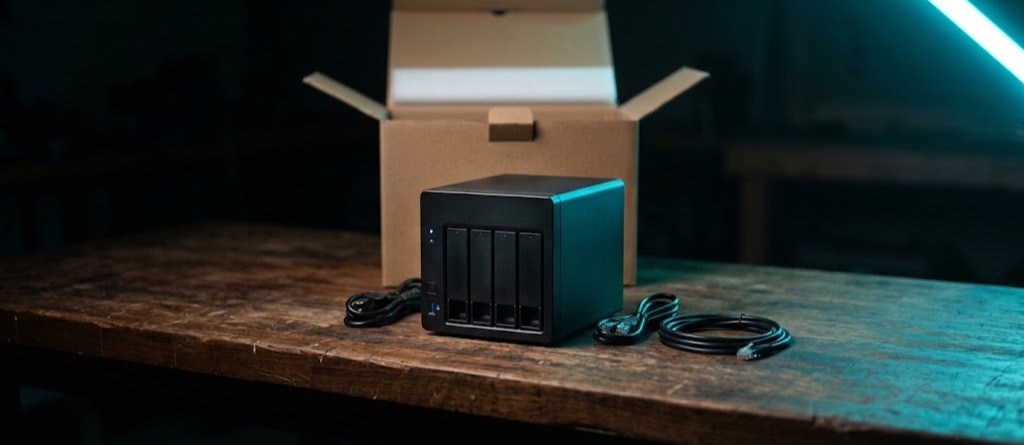
Buy one ready-made
TrueNAS's own servers are tested to run HexOS. Any off-the-shelf Intel or AMD PC that meets the requirements will work, too.
Browse TrueNAS servers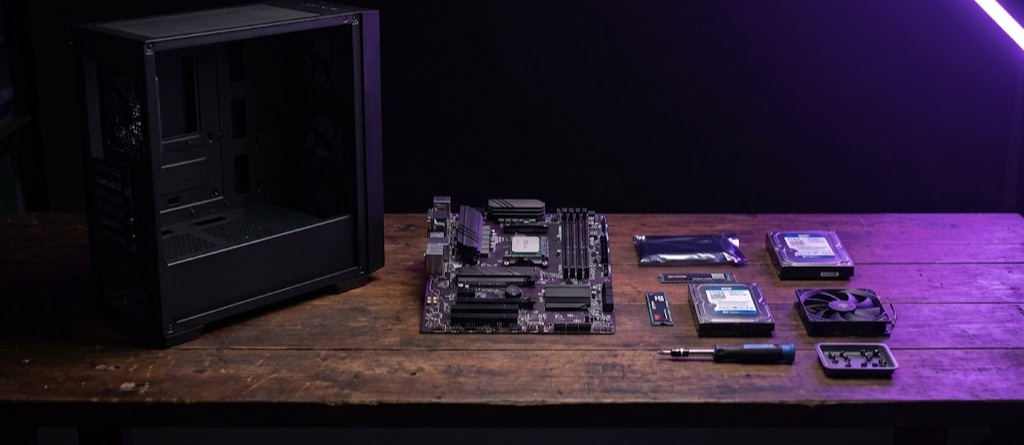
Build your own
Meet the requirements below, and you can bring your own hardware. If you're unsure, share your parts list on our Discord for a second opinion before you buy.
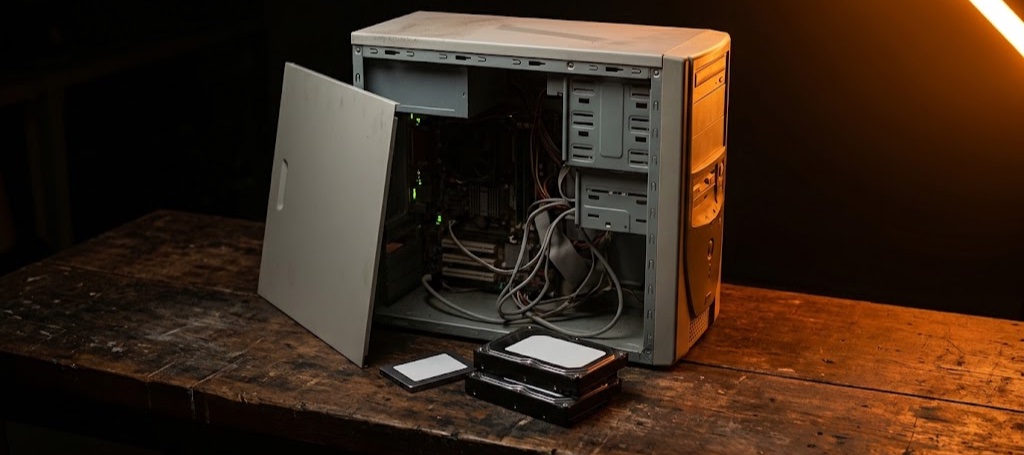
Repurpose an old PC
The desktop in the closet makes a great first home server. Add a small SSD to boot from and a couple of drives for your data, and you're most of the way there.
What do you need to get started?It may be less than you'd think.
The short answer is that a mid-range PC from the last ten years will probably do. The long answer is the same baseline as TrueNAS, which HexOS runs on. Meet these requirements and you're ready to install; go further and you'll have room for more apps and VMs.
- Processor
- Dual-core Intel or AMD CPU*,**
- More cores enable you to run more capable VMs and apps, and more of them.
- Memory
- 8 GB
- 8 GB is enough to get started with apps and lightweight virtual machines. Add more RAM as your needs grow.
- Boot drive
- 20 GB SSD
- A small boot drive dedicated just to HexOS, separate from the drives you intend to use for storage or apps. A small, inexpensive SSD is ideal.
- Storage drives
- 1 to try, 3 to grow
- You can get started with just one drive. Add another to create a mirror with extra data protection. Start with three or more to create a pool that can be expanded in the future.
- Installer
- 8 GB USB stick
- A high-quality USB flash drive.
*HexOS only supports x86 CPUs that support SSE4.2 and POPCNT. ARM processors, like on many single-board computers and some off-the-shelf NAS products, are not currently supported.
**A quad-core CPU or greater is required to install Virtual Machines.
The details, and what to check in your BIOS, are in the docs. Full system requirements
The HexOS Hardware Database.Know exactly what parts work before you buy.
Every server that shares with the Hardware Advisor teaches HexOS what works and what doesn't. We're opening that up on this site, so you can check a part before it's in your cart.
Look up a part
Search for drives, network cards, motherboards, processors, and anything else you want to install in your system.
See what others run
There's safety in numbers. See how many other users use the hardware you're researching so you can know if you should, too.
Build with proven hardware
Parts with a proven track record are given our seal of approval for an extra layer of trust.
Answers to things you might be wondering.
Planning a build? Get a second opinion.
Share your parts list on Discord with people who run HexOS at home.